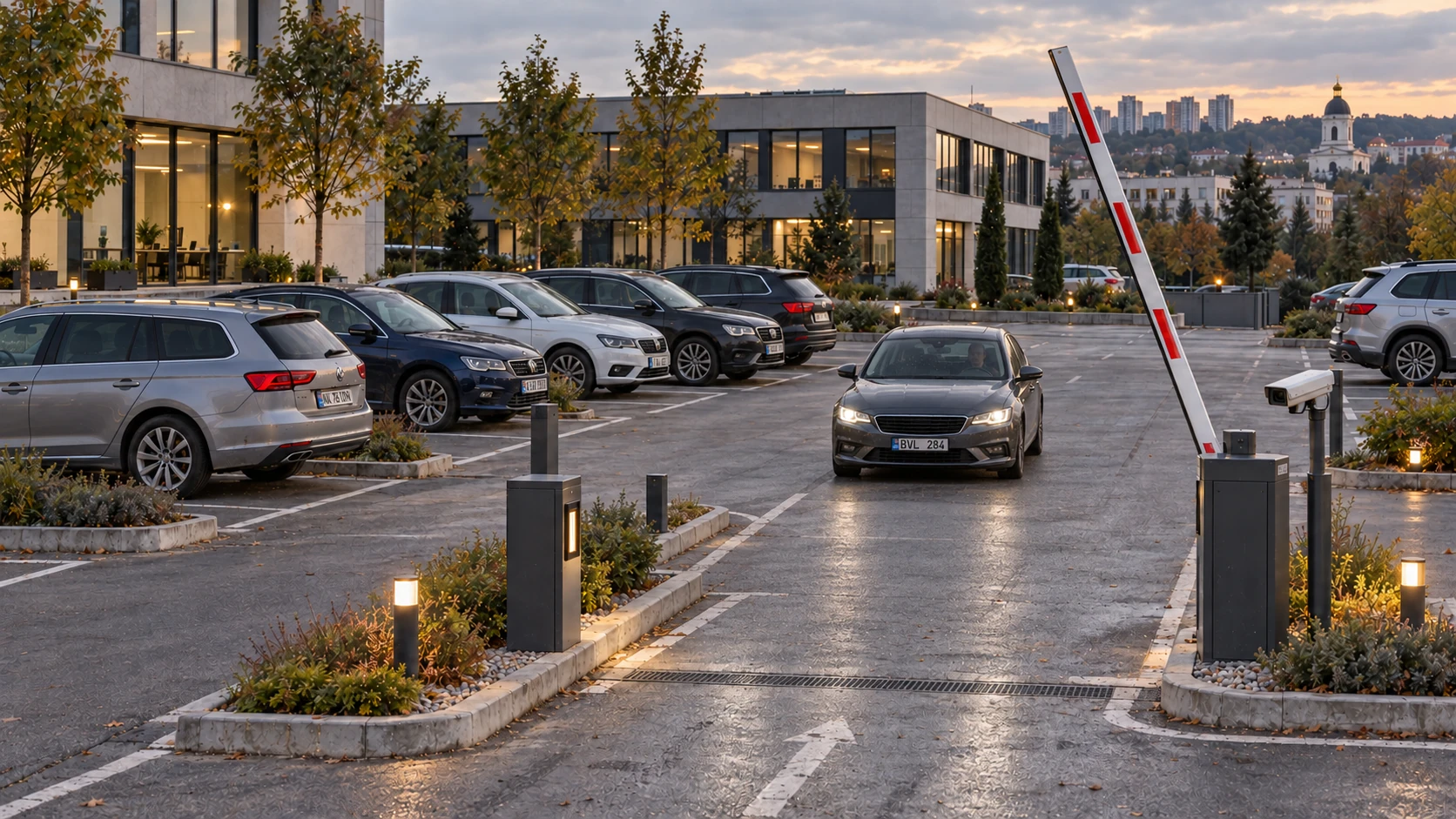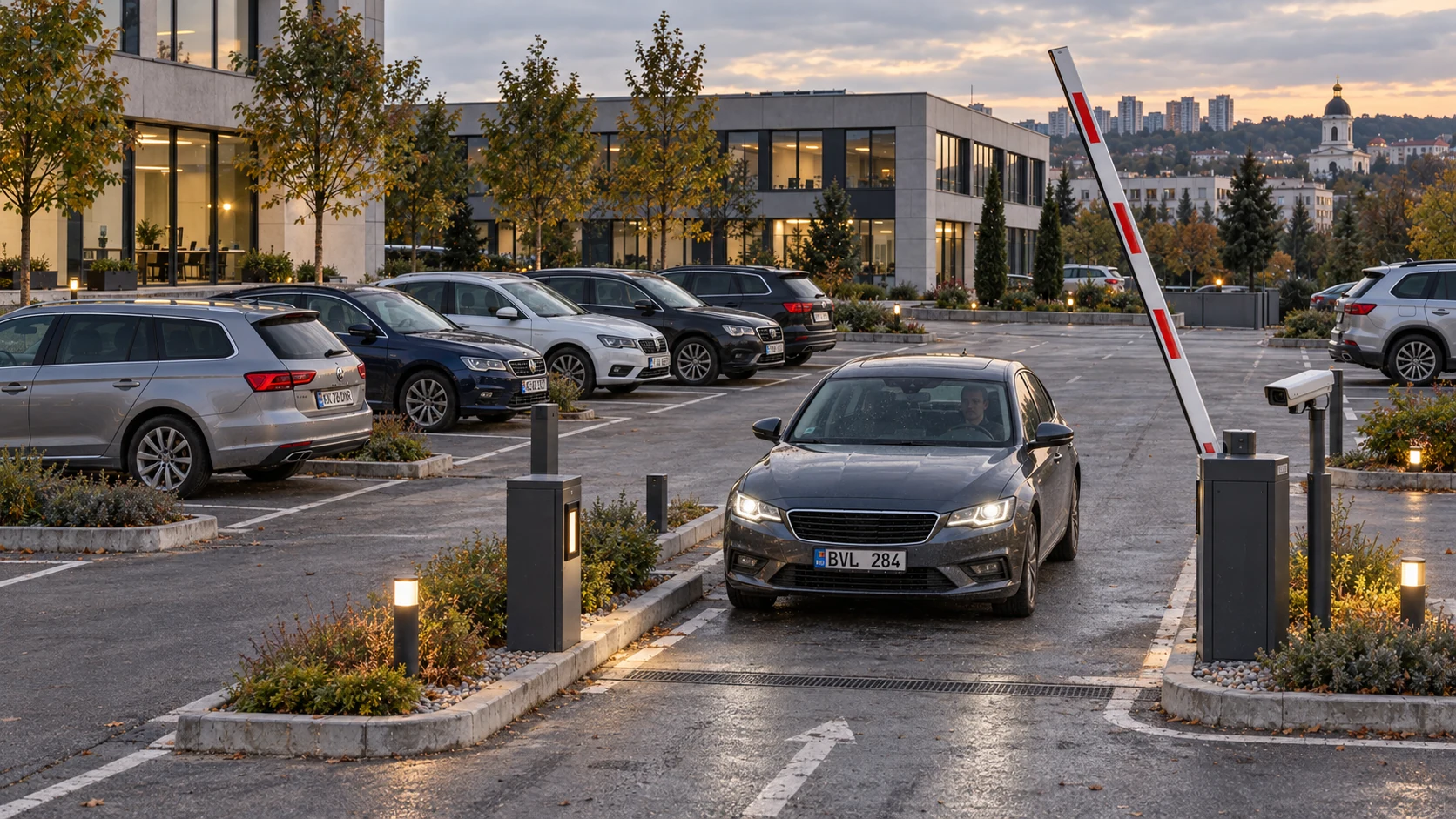
Vehicle visits
in a clear report

Vcounter reads plates, matches arrivals with departures and shows time on site. Weighbridge records cover trips, weighings and material.

Open live demo

For managers, operators and security teams. On desktop and mobile.

Parking & business centres
From the entrance to the report
Plate, arrival, departure and time on site
MDBVL 284
Arrival14:08
Departure14:50
42 min
Plate recognitionVisit recordsWeighbridges & trips

How you can use Vcounter
at your site

Car parks need visit records and access rules, car washes need time-on-site records, and weighbridges need material weights. Choose the section that fits your work.

Parking & business centresParking & business centres

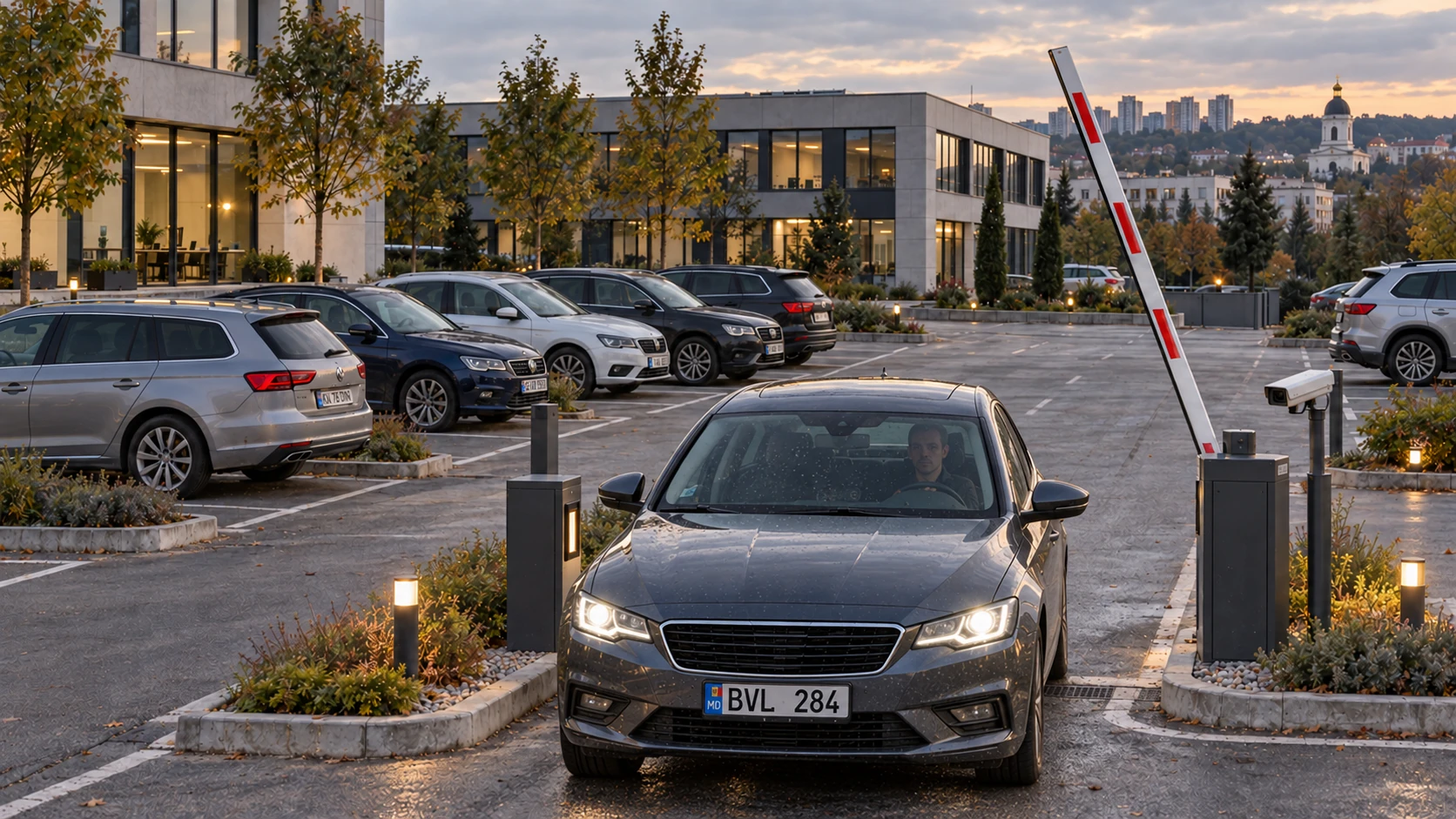
Who arrived, and how long did they stay?

Check a vehicle’s arrival, departure and parking duration alongside its event recording.

  • Arrival and departure in one visit
  • Search within a selected period
  • Client lists and access schedules
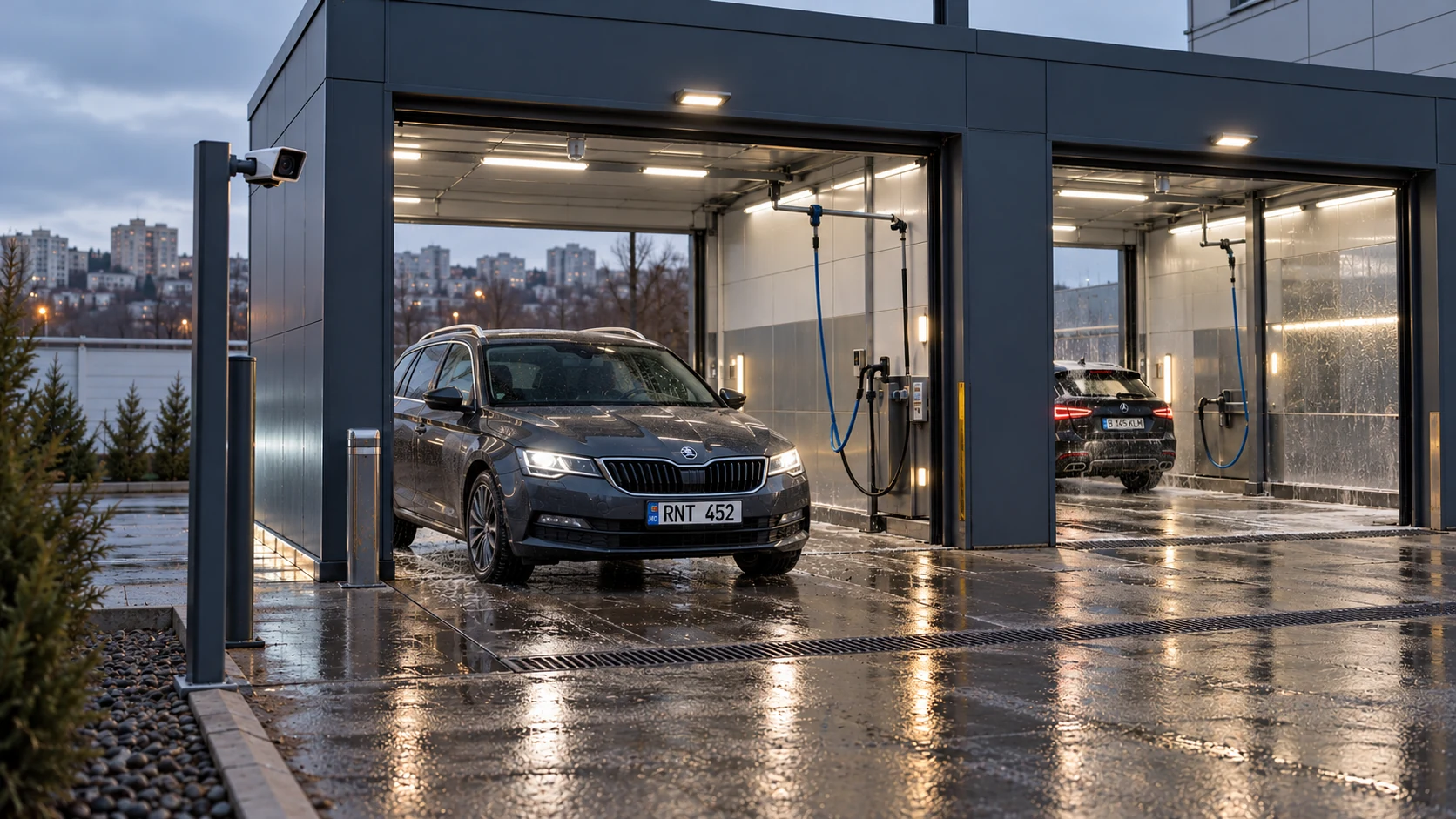
Car washes & service centresCar washes & service centres

How busy was your car-wash shift?

See visits and time on site. Find a customer and the event without watching hours of footage.

  • Visits by day or shift
  • Time between arrival and departure
  • Returning customer history
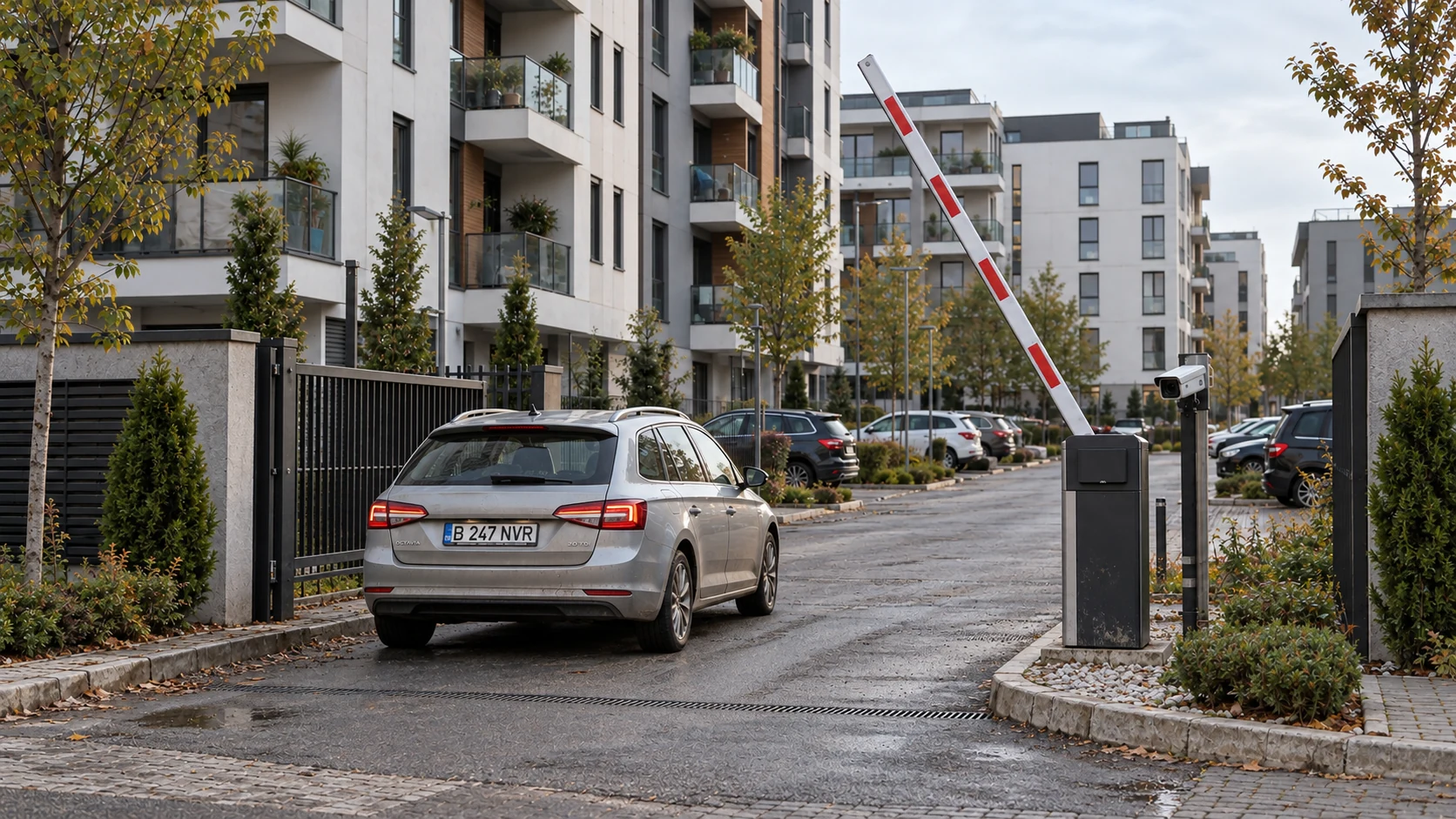
Residential developmentsResidential developments

Who may enter today?

Lists, permit dates and schedules for residents, visitors and service vehicles. Managers and security share the movement history.

  • Allow and deny lists
  • Temporary permits and time windows
  • Individual staff permissions
Grain terminals & agricultureGrain terminals & agriculture

How much material passed through the scale?

Link plate, material, tare and gross in one trip. Net and saved readings help reconcile intake and dispatch.

  • Tare, gross and net per trip
  • Search by vehicle and material
  • Weighing history and CSV

Vehicle and material
in the trip history

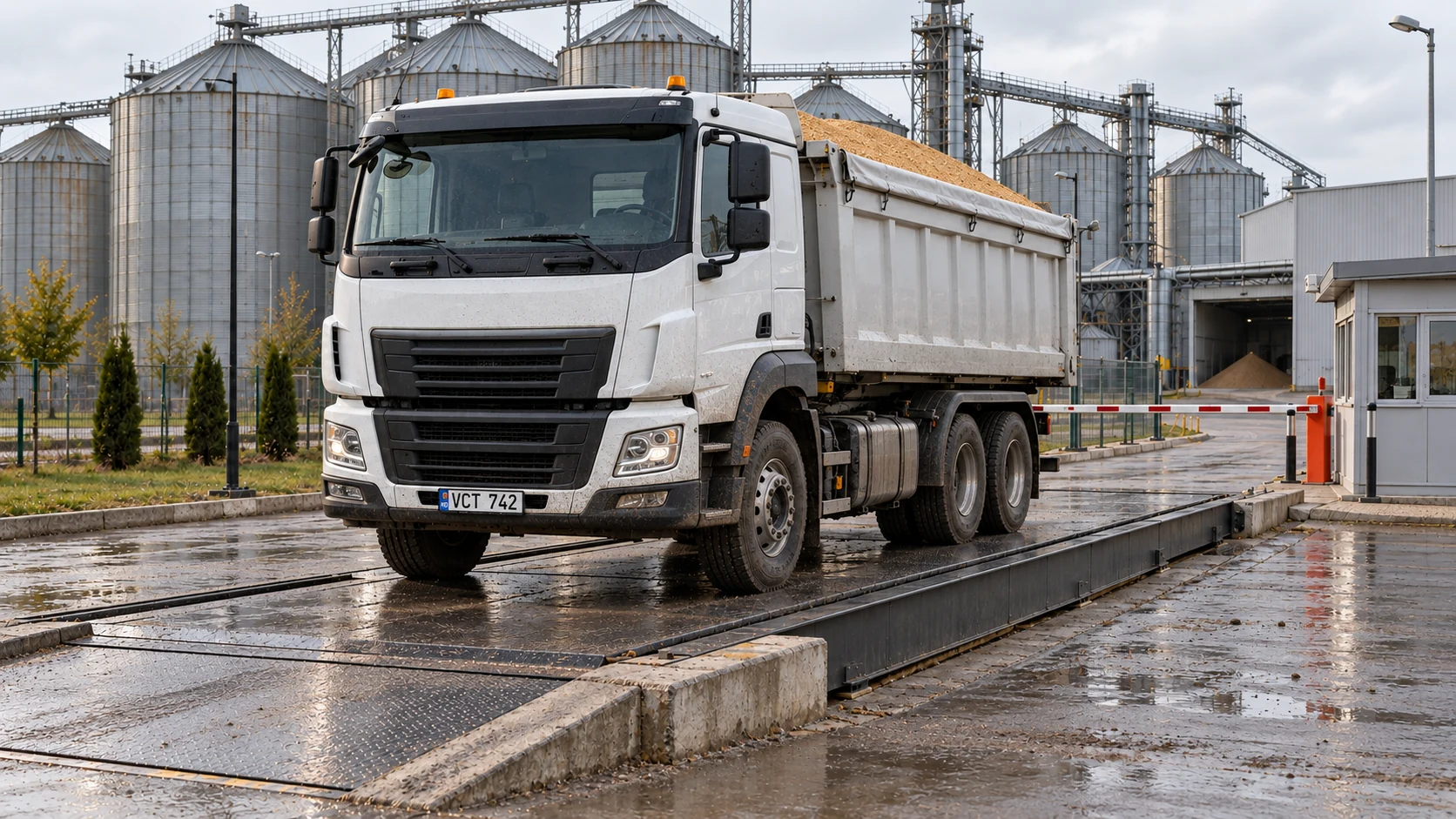
The trip record shows the vehicle’s plate, material and both weighings. Use the saved readings to check the weight of material received or dispatched.

Grain truck correctly positioned on a weighbridge
Example tripMDVCT 742Wheat
Tare12,720kg
Gross34,220kg
Net21,500kg

Gross − Tare = Payload

  1. 1Identify
  2. 2Tare
  3. 3Load
  4. 4Gross
  5. Trip complete

Vehicle and material

The record keeps the vehicle’s plate, material type and current trip stage.

Payload calculation

Payload is calculated as the difference between gross and tare weights linked to the same trip.

Readings during loading

Compare the loading target with the current weight and payload before completing the trip.

Trip search and export

Select a vehicle, material or status, review the history and export the data as CSV.

Find a trip by vehicle or material, check the scale readings and export the data for your report.

Cameras and access control

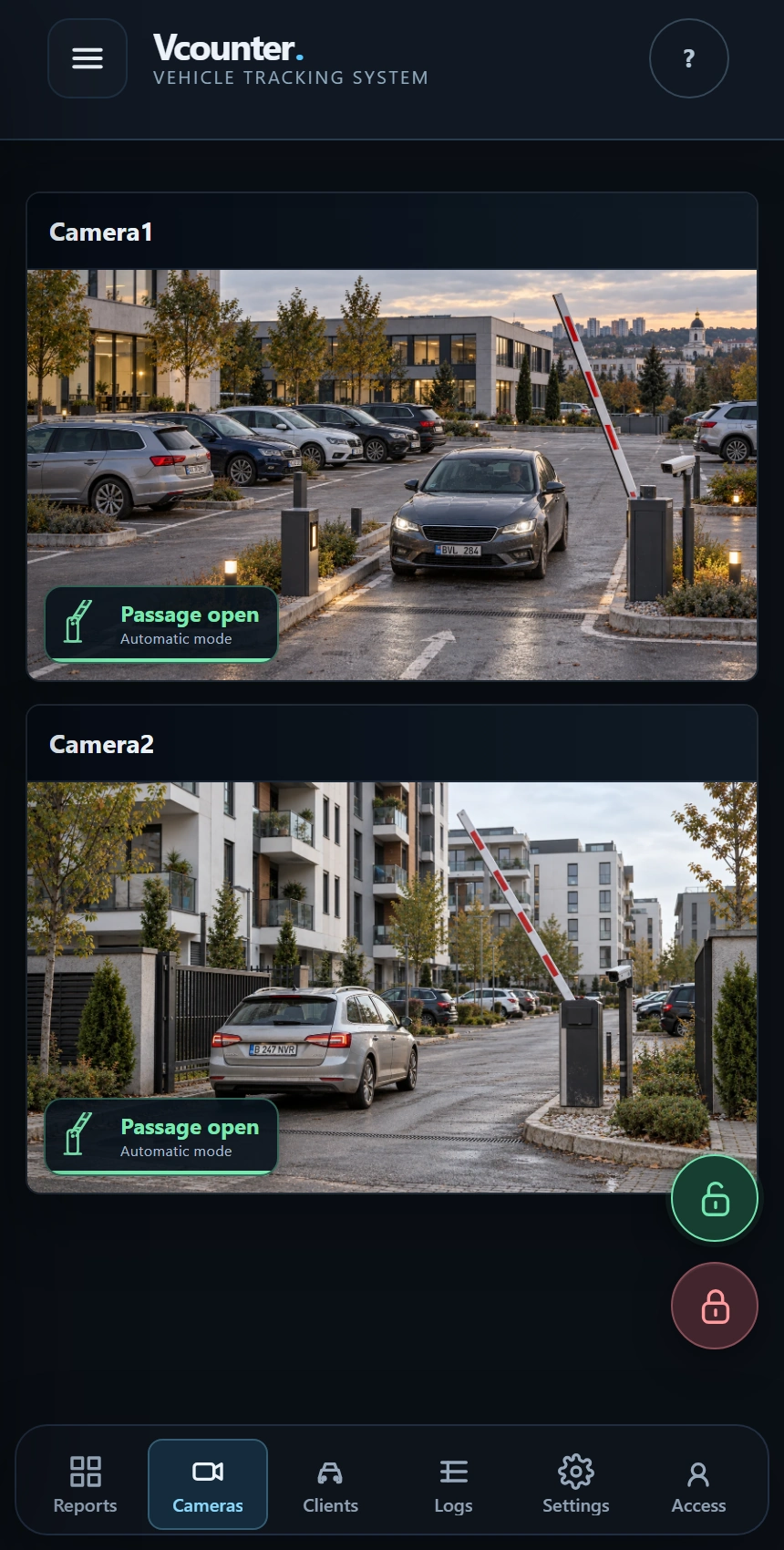
View cameras and control access from one panel, on your computer or phone.

Open and close controls

The controls sit beside the cameras, with the current passage status over the image.

Vehicle access rules

Set a vehicle’s allow or deny list, permit validity, weekdays and visiting hours.

Staff access

You decide who can view the data, change settings and work with the system.

Example schedule

08:00 — 18:00
MoTuWeThFrSaSu

Allowed by schedule

Vcounter mobile interface showing cameras and open and close passage buttons

Vcounter interface on a mobile phone

Visit reports
and client records

Check a day’s traffic, find a vehicle in the report or review a client’s access rules. The records stay connected as you move between tasks.

Open the full interface

See how the day went

Compare arrivals and departures by hour and see how many vehicles remain on site.

Daily traffic overview

14.10.2026
Arrivals32
Departures29
On site3
Traffic by hour
ArrivalsDepartures
The day’s arrivals and departures by hour0488:00 — Arrivals: 2, Departures: 10810:00 — Arrivals: 4, Departures: 31012:00 — Arrivals: 7, Departures: 61214:00 — Arrivals: 5, Departures: 61416:00 — Arrivals: 6, Departures: 51618:00 — Arrivals: 5, Departures: 51820:00 — Arrivals: 3, Departures: 320
The day’s arrivals and departures by hour
HourArrivalsDepartures
8:0021
10:0043
12:0076
14:0056
16:0065
18:0055
20:0033

Example Vcounter visit report and client record

How a vehicle passage
becomes a report entry

You look for a particular vehicle in the report: when it arrived, when it left and how long it stayed. Vcounter builds that history by reading its plate and following its movement across the entry or exit line.

How Vcounter recognises a vehicle and matches arrival with departure
Entrance camera14:08:12
Approaching
Plate read
Line crossed
Control line
Saved in the reportPassage time · 14:08:14
MDBVL 284Checking frames
Arrival

Vcounter compares the plate across several frames to choose the best-supported reading.

Approaching

Explore the Vcounter dashboard

Live demo opens the dashboard in a separate tab. Explore reports and cameras in the working interface.

Open live demo

What preparation
and rollout include

Software, cameras and access rules configured for your site. Before handover, we check the system with test passages.

The software

Vcounter dashboard, visits, search, clients and reports. For weighbridges: trips and weighings.

Camera configuration

Viewpoint and lighting checks, recognition zones and direction lines for your site.

Access and rules

Staff roles, client lists, schedules and viewing privacy.

Launch and training

Control passes, team training and an agreed support arrangement.

Vcounter setup
and installation

We develop Vcounter and install it at sites across Moldova, from camera selection and system setup to training your team.

  1. 1Understand your site
  2. 2Select the solution
  3. 3Configure the system and access
  4. 4Train your staff

Before you start

Which sites is Vcounter built for?

Parking & business centres, Car washes & service centres, Residential developments, Grain terminals & agriculture.

What does a visit contain?

Vehicle plate, arrival and departure, duration, status, event photo and video.

Can I use it on my phone?

Yes. Reports, cameras and the control interface are available in the responsive web dashboard.

How are vehicle permissions configured?

In the client card: allow or deny list, permit validity, weekdays and time windows.

What does the weighbridge workspace show?

Vehicle, material, trip stage, tare, gross and net. Reports support trip searches and CSV export.

How do I order an installation?

Call Industrial Communications SRL. We discuss your site, cameras and requirements, then prepare the solution and cost.

Tell us what
your site needs

Describe your site. We will prepare the solution and rollout plan. Send an enquiry or call — choose what suits you.

Industrial Communications SRL · Chișinău, Moldova

+373 68 643 575Call Industrial Communications SRL

Find Vcounter for your site

Add an email or comment

Find Vcounter for your site

Leave a contact and select your task. Industrial Communications SRL will discuss your cameras, equipment and the right solution.

Add an email or comment

Your enquiry sends Industrial Communications SRL your name, phone, site type and optional email and description. These details are used to respond and prepare a proposal through Industrial Communications SRL’s delivery service. Form values are not stored in browser storage. For changes or deletion, call Industrial Communications SRL on +373 68 643 575. Working Vcounter site data is separate from this form.

Call Industrial Communications SRL