How it works
From arrival to departure: how Vcounter records a vehicle visit
You open the report to find a vehicle and see what happened during its visit. Behind one record are several moments: arrival, stops on site and departure. Let us follow that journey and see how Vcounter brings the information together.
Start with a vehicle at the entrance
A vehicle pulls up and stops at the barrier. Its plate is already visible, but it has not entered yet: the driver might be waiting or about to turn around. Vcounter therefore handles two separate tasks — reading the plate and checking whether the vehicle actually passes through.
When the vehicle crosses the configured line, the system connects its plate reading with that movement. The report receives an event with a time and direction, not simply a record of a vehicle appearing on camera.
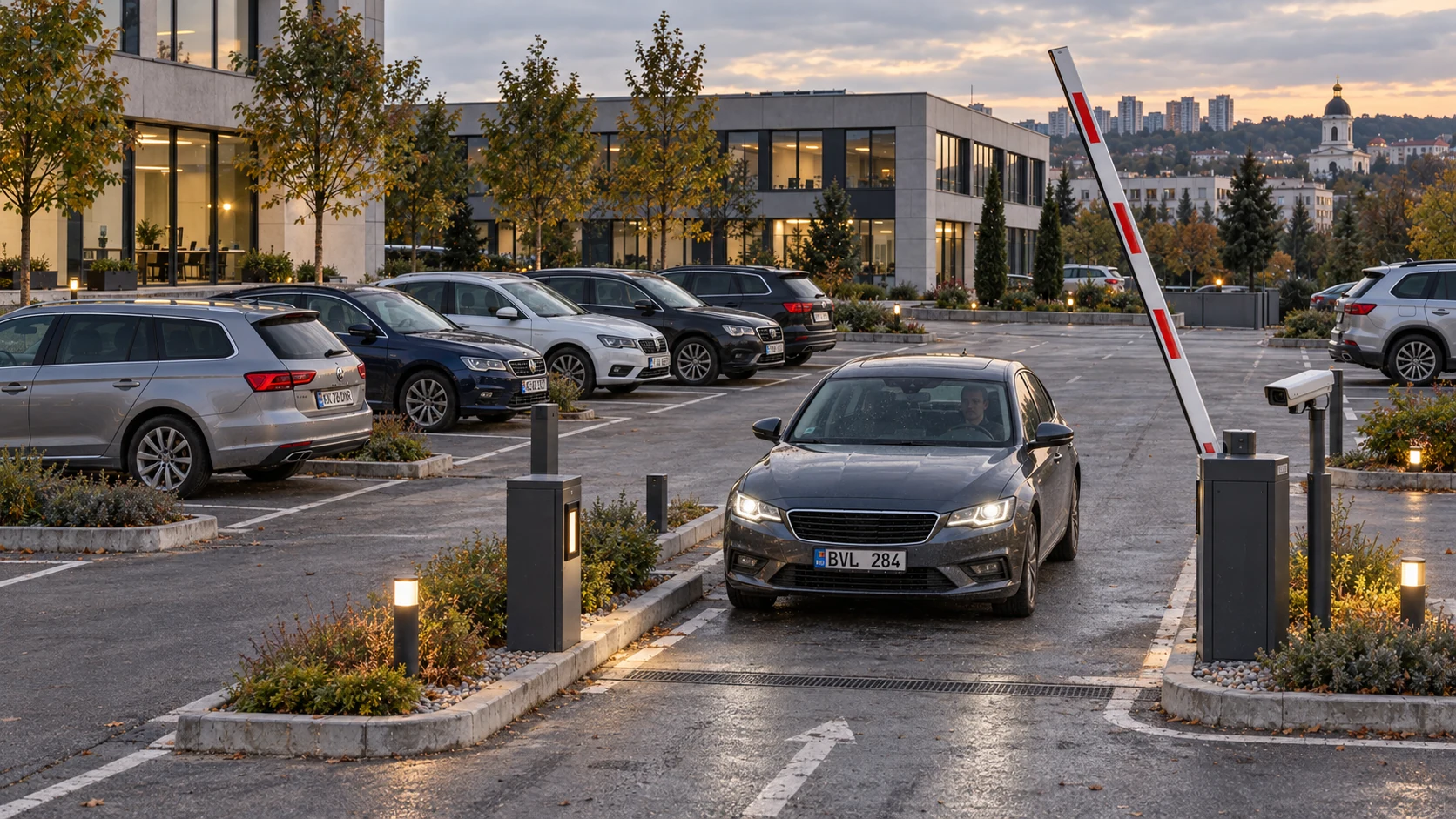
Several frames help identify the plate
In one frame, headlights make the plate hard to read. In another, someone blocks it. The next frame shows it clearly. Choosing just one image could give the same vehicle several different plate readings.
Vcounter compares those readings and retains the best-supported version. If the plate was clear while the vehicle was stopped, that reading stays with the system after it starts moving.
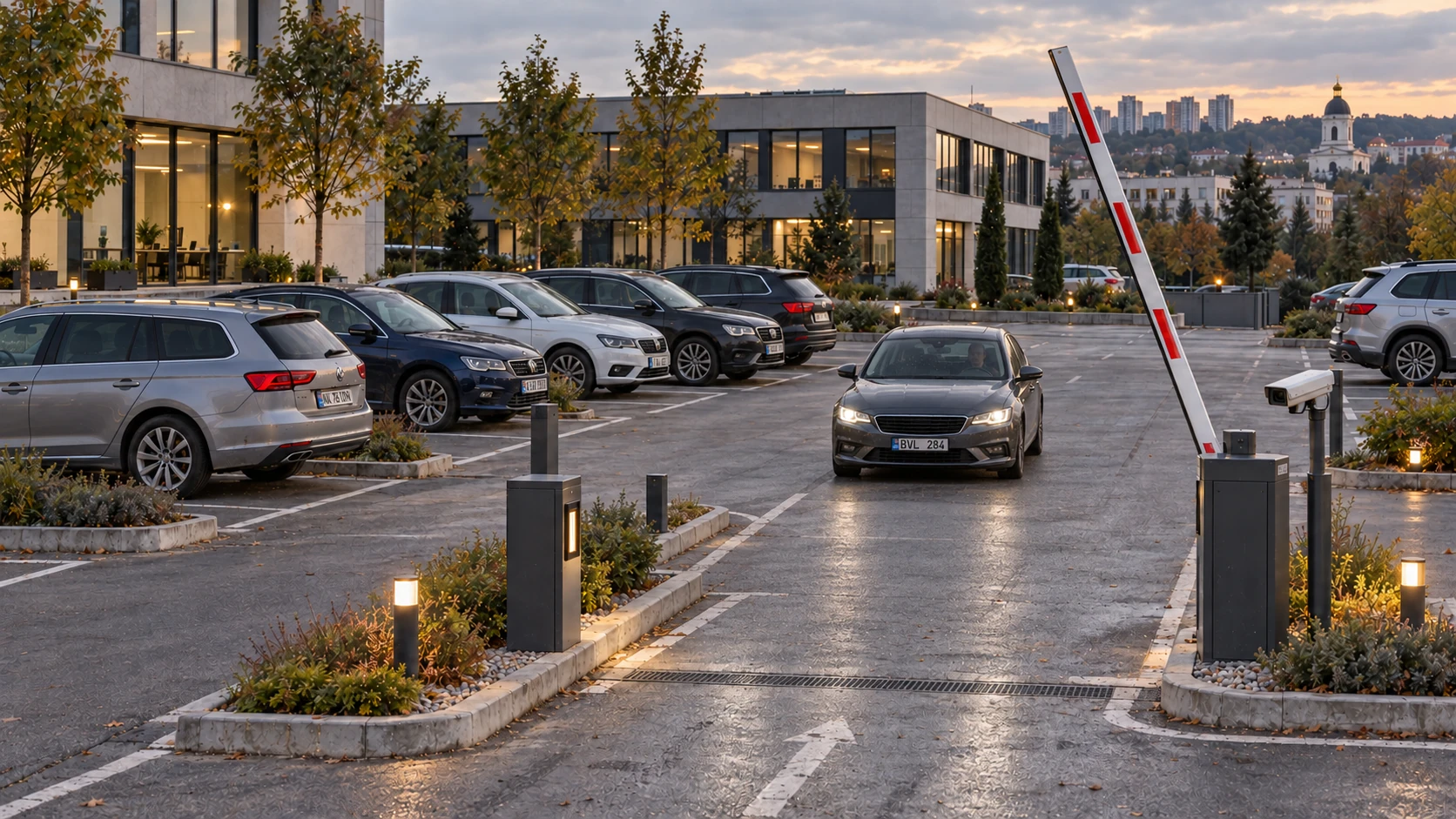 14:08:1214:08:13
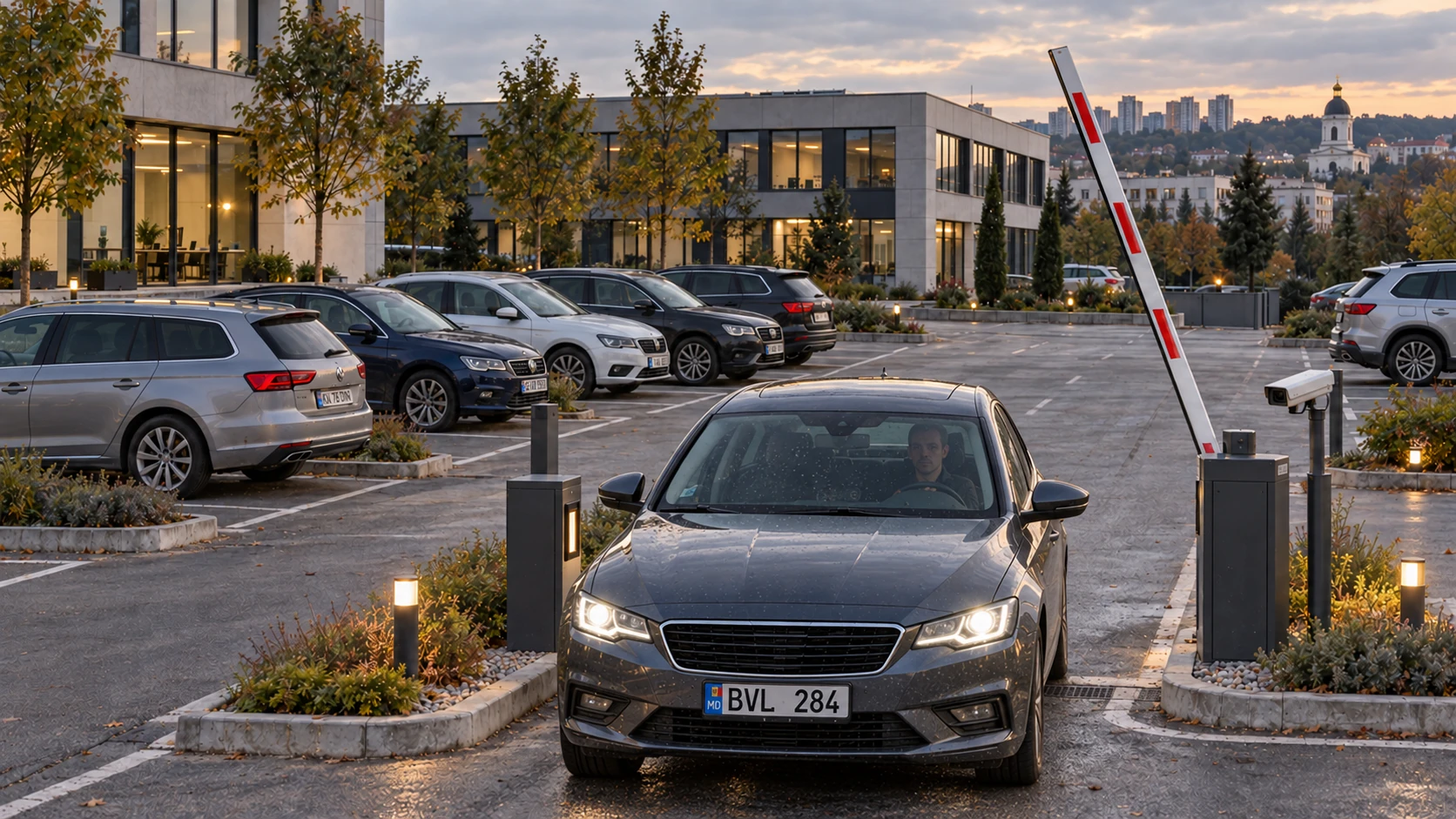 14:08:14
An unclear reading is checked against the next frames. Once clearly read, the plate stays with the vehicle until its passage is complete.
Crossing the line establishes direction
During setup, we mark a line on the camera image and define which direction means arrival and which means departure. It is a virtual line, so nothing needs to be painted on the ground.
Vcounter follows the plate’s position before and after it crosses that boundary. The direction of movement identifies arrival or departure. It also checks the movement sequence so a small wobble in the box around a stationary plate does not become another passage.
Vcounter compares the plate across several frames to choose the best-supported reading.
When the plate briefly disappears from view
A person or another vehicle may move in front of the camera. The visit continues, even though the plate is hidden for a few moments.
Vcounter compares the readings before and after the interruption, the elapsed time and the vehicle’s position. Similar letters alone do not combine neighbouring vehicles; they are checked alongside the movement history.
Matching similar readings of the same plate
The arrival reading is ABC123, but the departure reading is ABC128. That one changed digit can leave arrival and departure as separate records. Vcounter provides approximate plate matching for cases like this.
Hamming distance counts characters that differ at the same positions. It works with plates of equal length: ABC123 and ABC128 differ in one digit, so their distance is 1.
Levenshtein distance counts the fewest edits needed to turn one string into another: replacing, removing or adding a character. It therefore covers missing or extra characters as well as a misread digit.
- EUABC123EUABC128
One replacement: 3 was read as 8.
- EUABC123EUABC12
One missing character: the last digit was not read.
- EUABC123EUABXC123
One extra character: X appeared between B and C.
In settings, you choose the method and the number of differences to allow. Vcounter applies those rules when matching arrival with departure, considering event times and cases with several plausible matches. The original plate reading is retained.
Find the whole visit in your report
After departure, search by plate or select the period you need. The record brings together arrival time, departure time and visit duration. Open its photograph or video to see what happened.
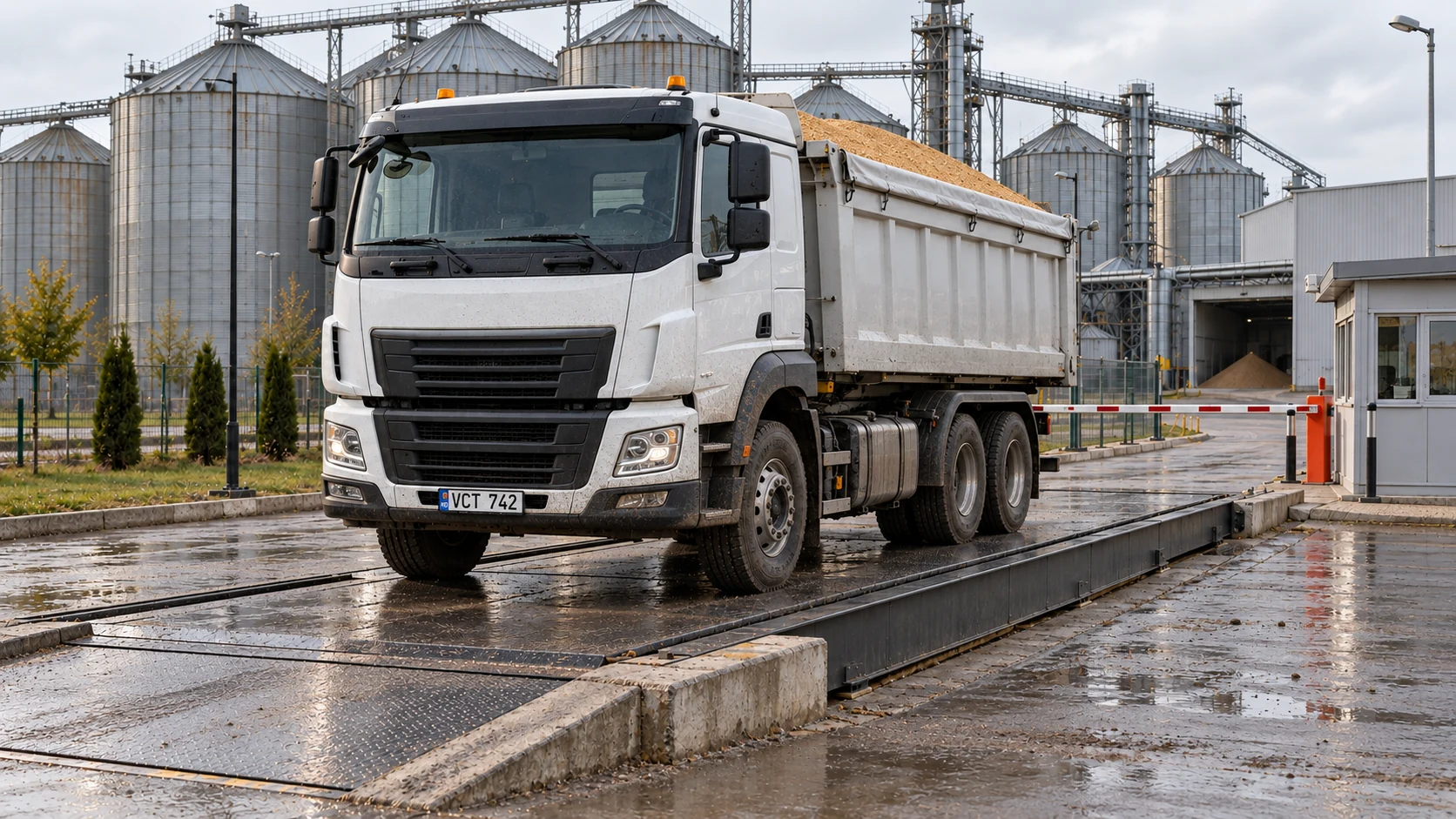
If the vehicle is registered to a client, that association is shown too. At a weighbridge, the trip record also holds the material, tare, gross and net weights so you can check an intake or dispatch.
42 min
Setup starts with how your site works
Car parks, car washes and weighbridges have different workflows. We check where vehicles approach, where they stop and when their plates are clearest. We then configure the cameras, passage line and matching rules and check them with test passages.
Development continues from operating situations: stops, bright headlights, covered plates and interruptions in tracking. Investigated cases become checks for later updates. You work with the visit history, while the technical explanations remain available whenever you want a closer look.
Find Vcounter for your site
Leave a contact and select your task. Industrial Communications SRL will discuss your cameras, equipment and the right solution.